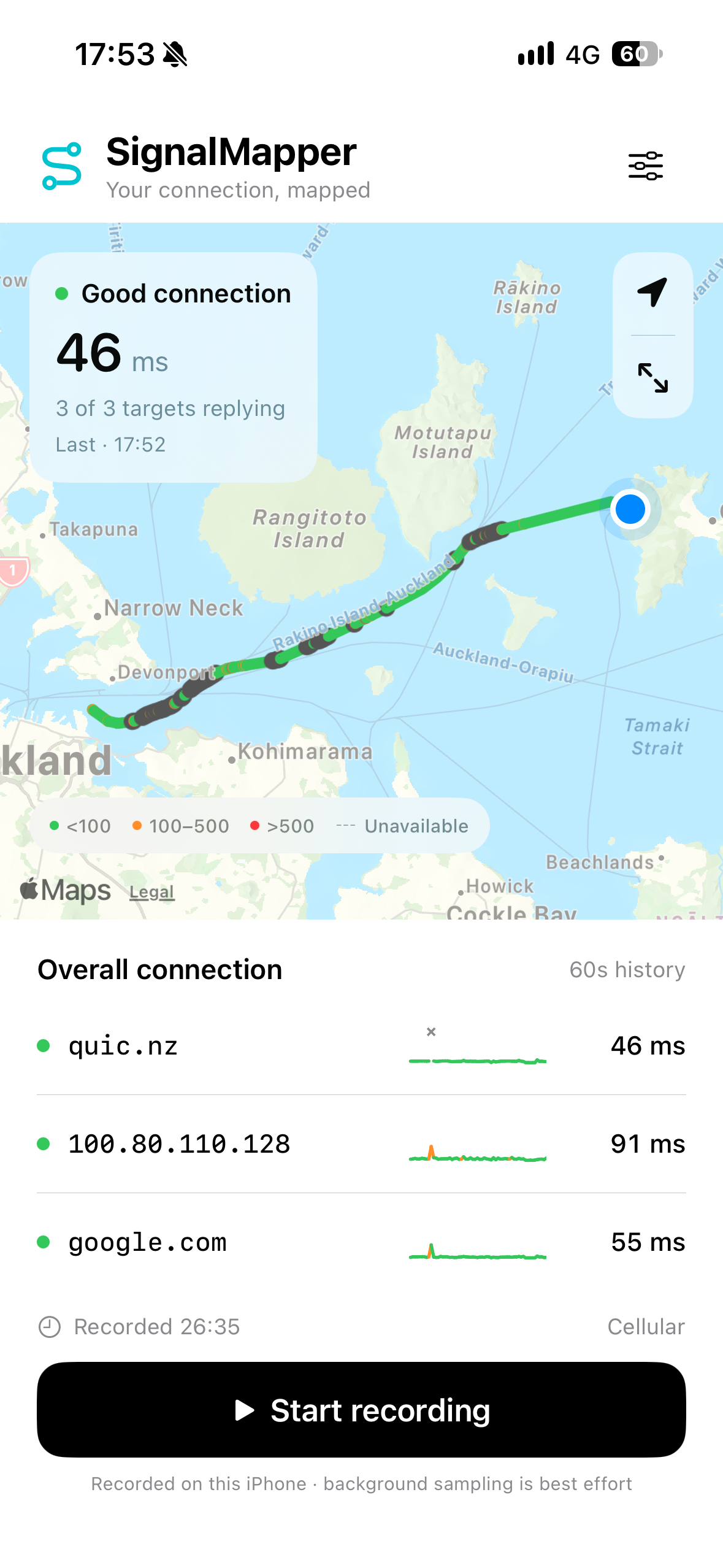
I needed to work out - as much as I can - why the network connection when I'm on the ferry, on Spark, is just so rubbish.
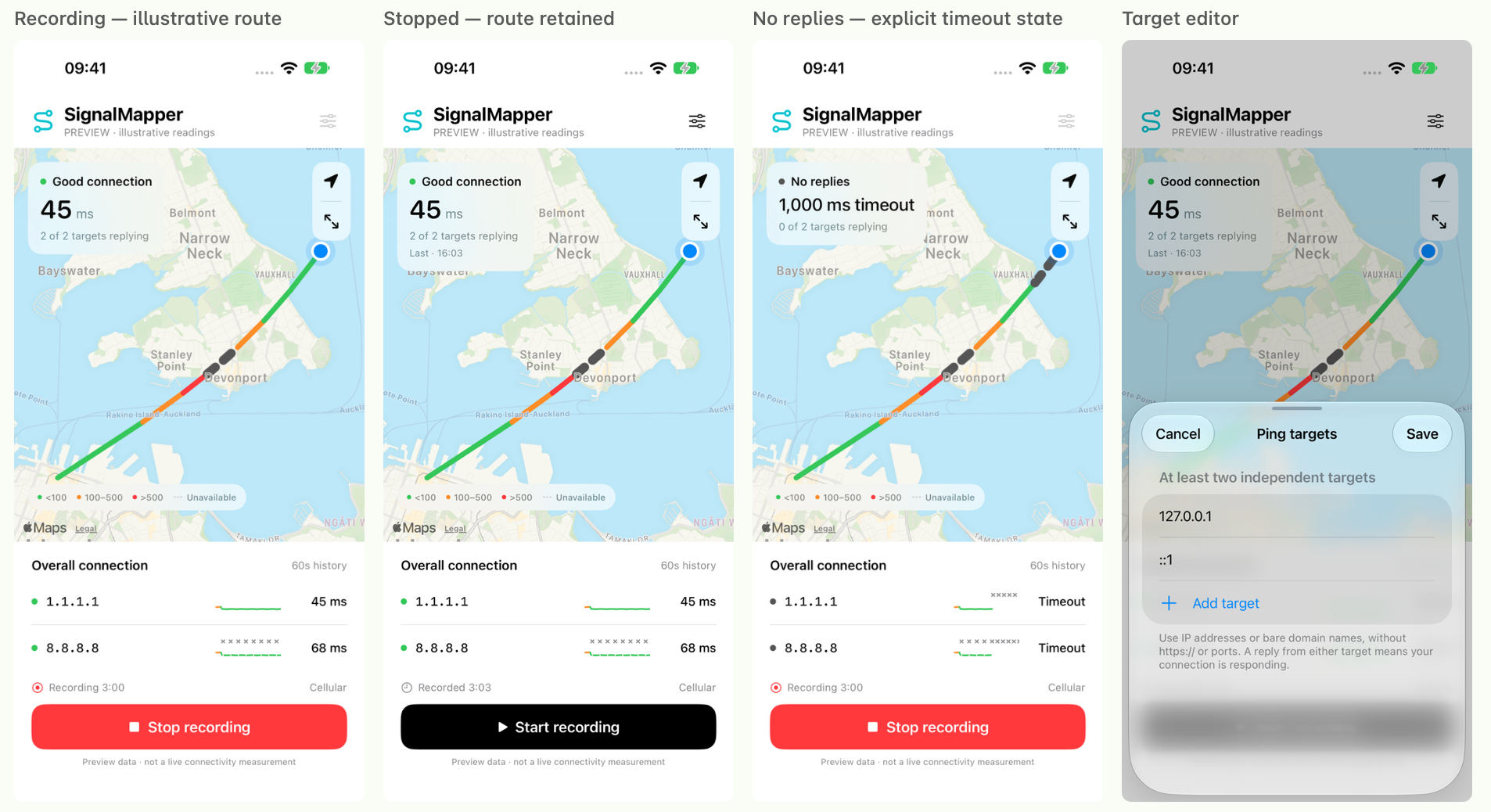
So, rather than pulling the laptop out, I vibed a quick app using Amp.
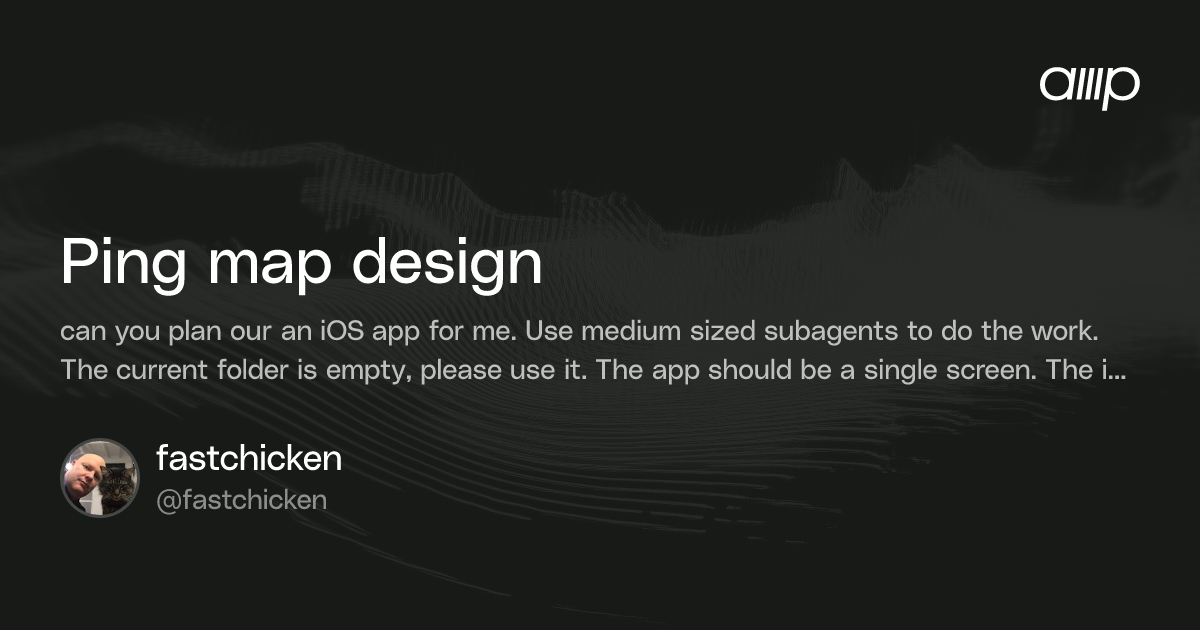
Here's the thread:

I had it suggest a few different UI possibilities before picking one:
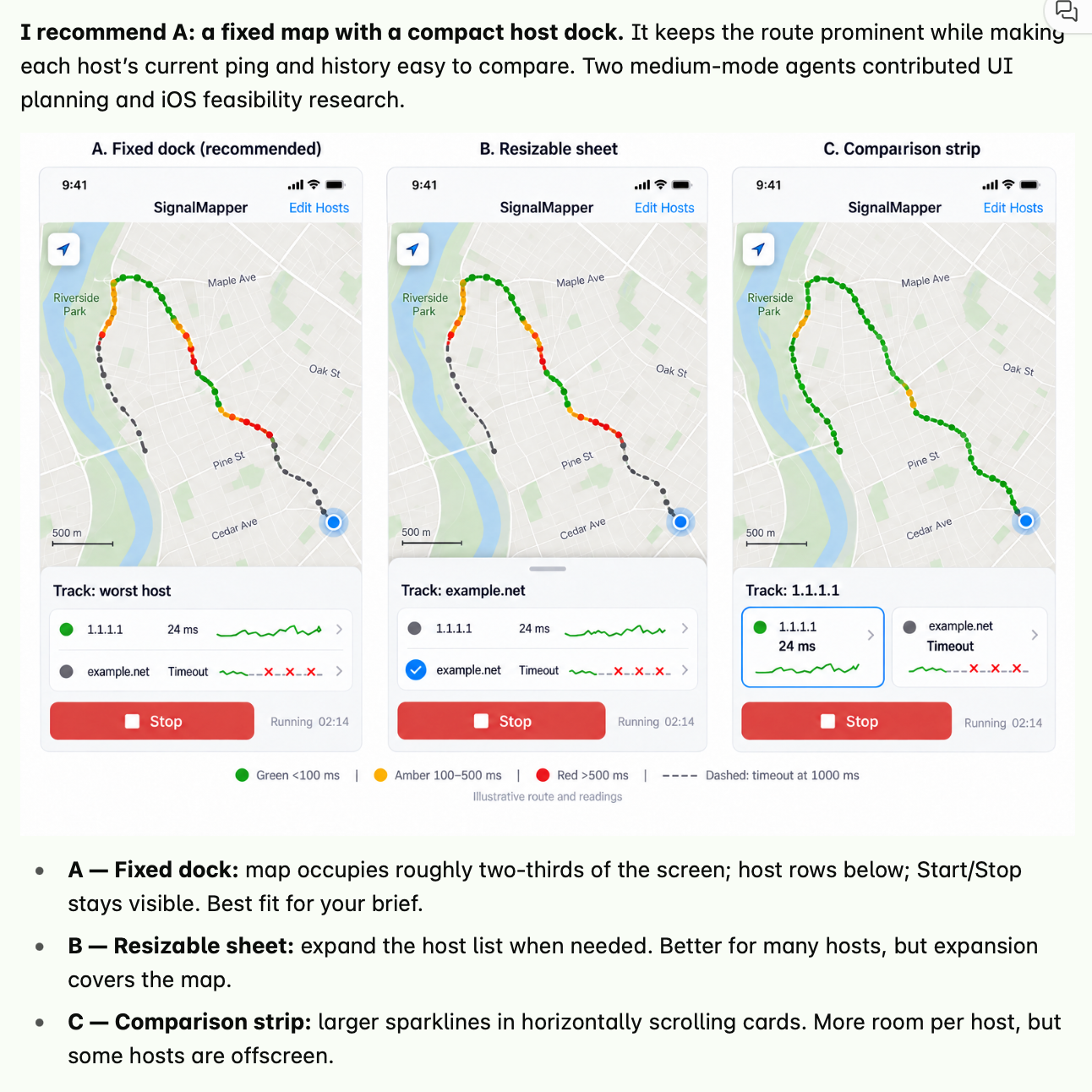
Picked one, and had it build it. I used a local Amp runner with amp --no-tui in an empty folder, as I don't have access to a Mac Orb (yet), and I have a insanely powerful Macbook Pro just sitting here.
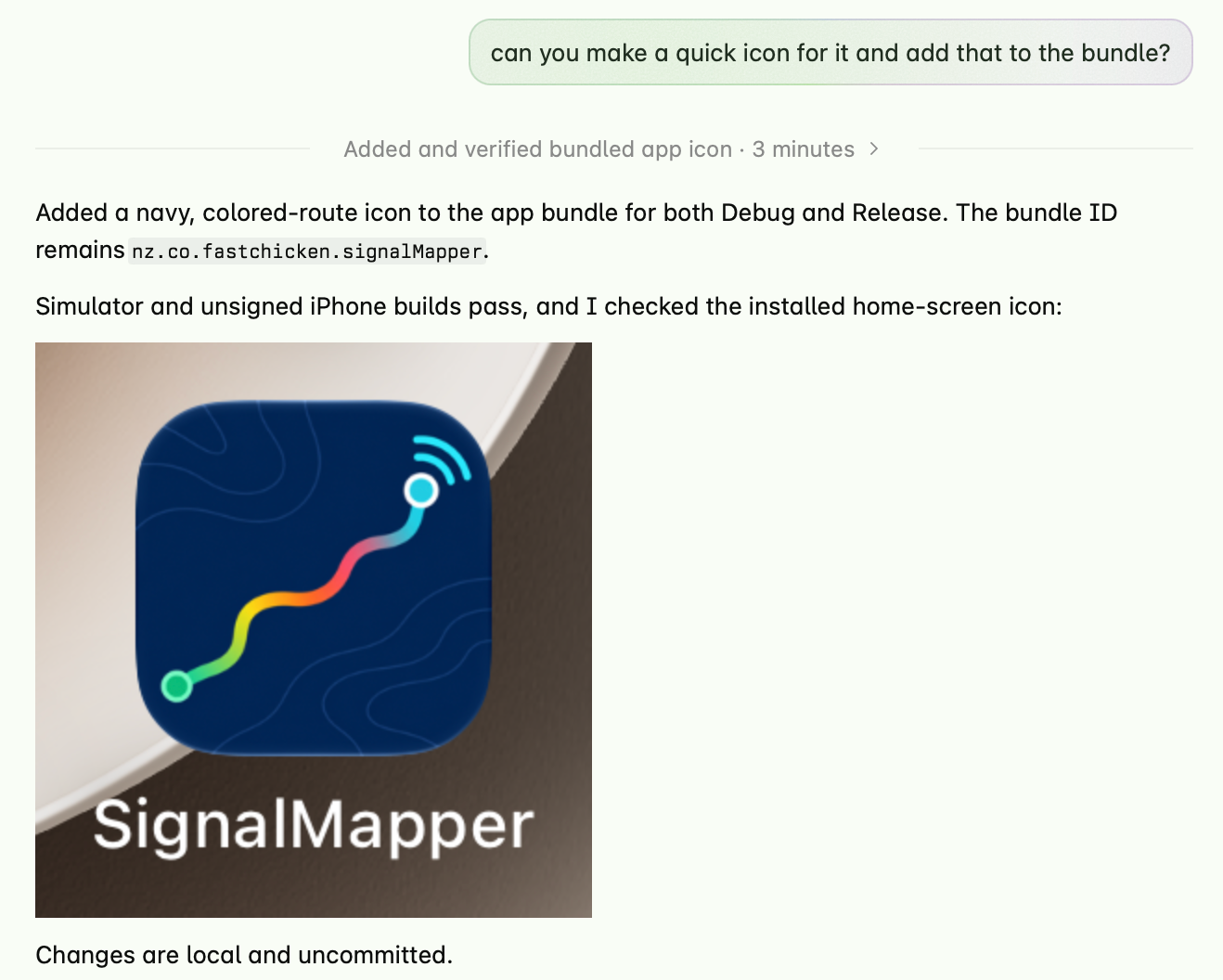
It even came up with a nice icon:
The end result does exactly what I want, tho I DID need an Apple Developer account to get it on my phone, and some basic knowledge about how signing, bundles etc work. Took about an hour, end to end.
- Allow me to specify a set of IP/domains to ping, and ping them every second, timing out if it waits more than a second
- Map this on the map, using the phones GPS
- Allow me to save / load a trace
- And export it to a decently formatted image
- I have NO idea how it stores data, or what the battery impact is. I don't care (tho turns out, it's stuff all battery)
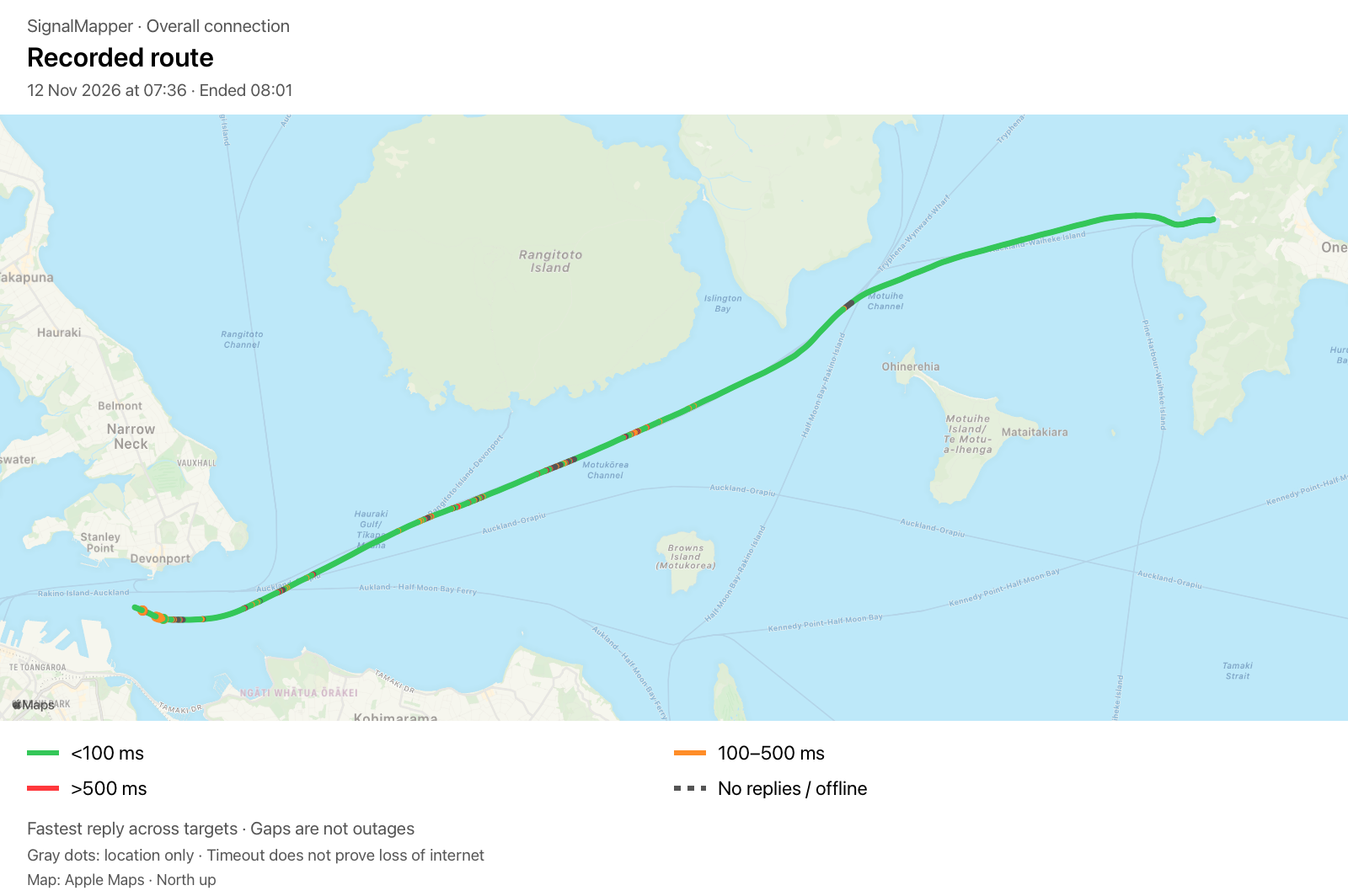
This level of app - which if I'm honest, is way more polished than I could do myself, and certainly not in an hour - is basically a prompt away. The setup of the appstore and testflight is still a blocker, tho I suspect Claude et al could guide me through that easily enough.
Now, I need to find someone at Spark who might know WHY this is happening - apparently since their 3G switch off - and how to fix it.
Code is up on Github, tho I've not really looked at it. If you want to give it a go, here's a testflight link: https://testflight.apple.com/join/UqT3nFKH (once it works)